
Problem
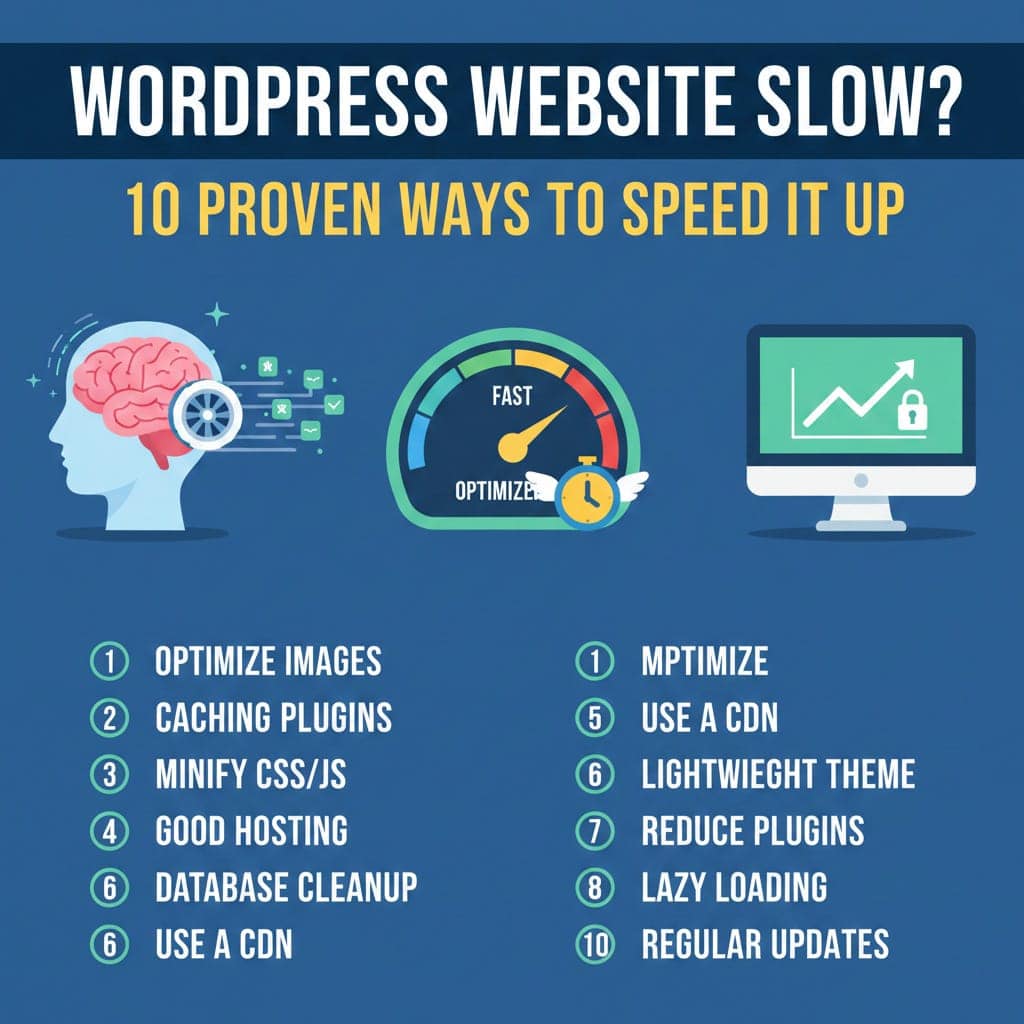
A slow WordPress website increases bounce rate and reduces SEO ranking.
Common Causes
Heavy plugins
Large images
No caching
Poor hosting
Solution
Install a caching plugin (WP Rocket / LiteSpeed Cache)
Optimize images using WebP format
Use a lightweight theme
Enable GZIP compression
Minify CSS & JS
Remove unused plugins
Use a CDN (Cloudflare)
Optimize database
Enable lazy loading
Upgrade hosting if needed
Pro Tip
Always test speed using Google PageSpeed Insights and GTmetrix.